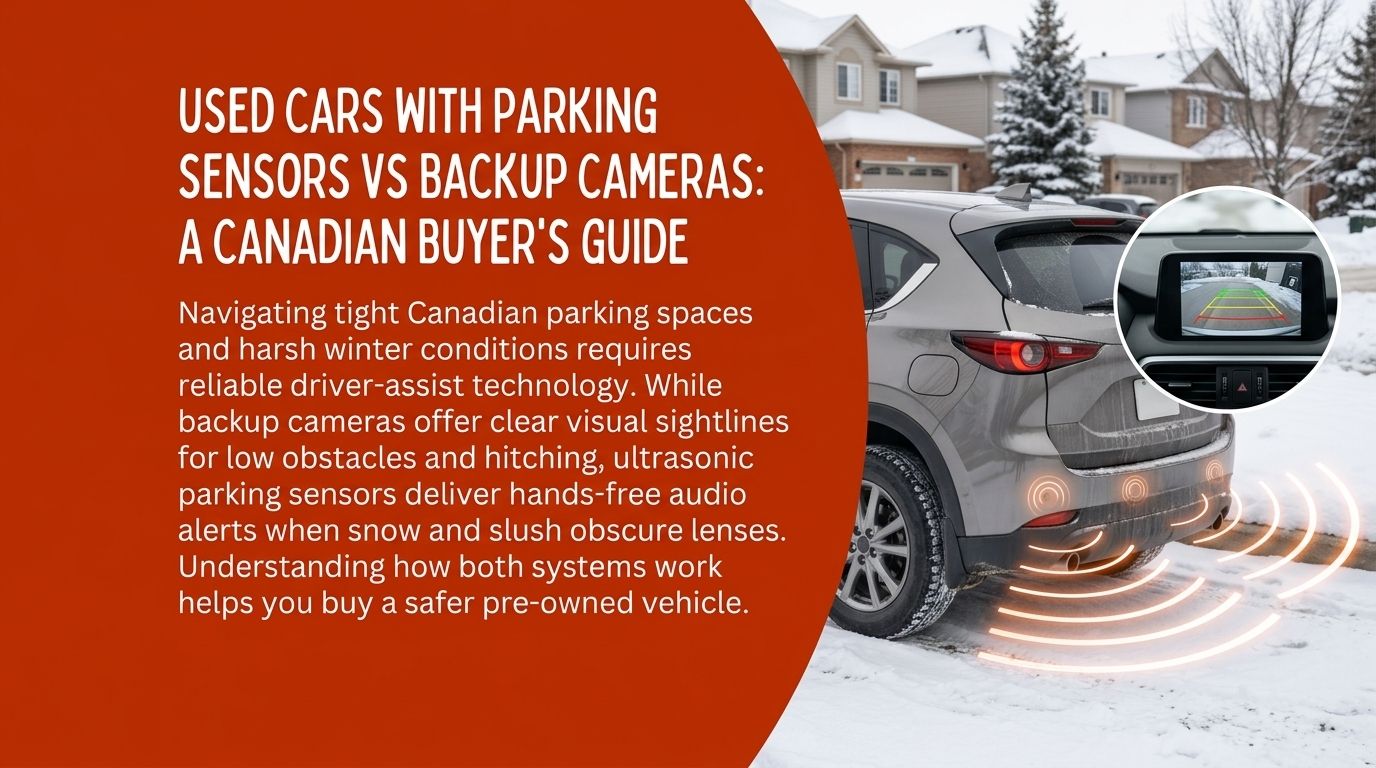
Used Cars with Parking Sensors vs Backup Cameras: A Canadian Buyer's Guide
New drivers who have tested using backup cameras and parking sensors in the city or wedged a truck into the underground parking lot of a downtown...
Read more
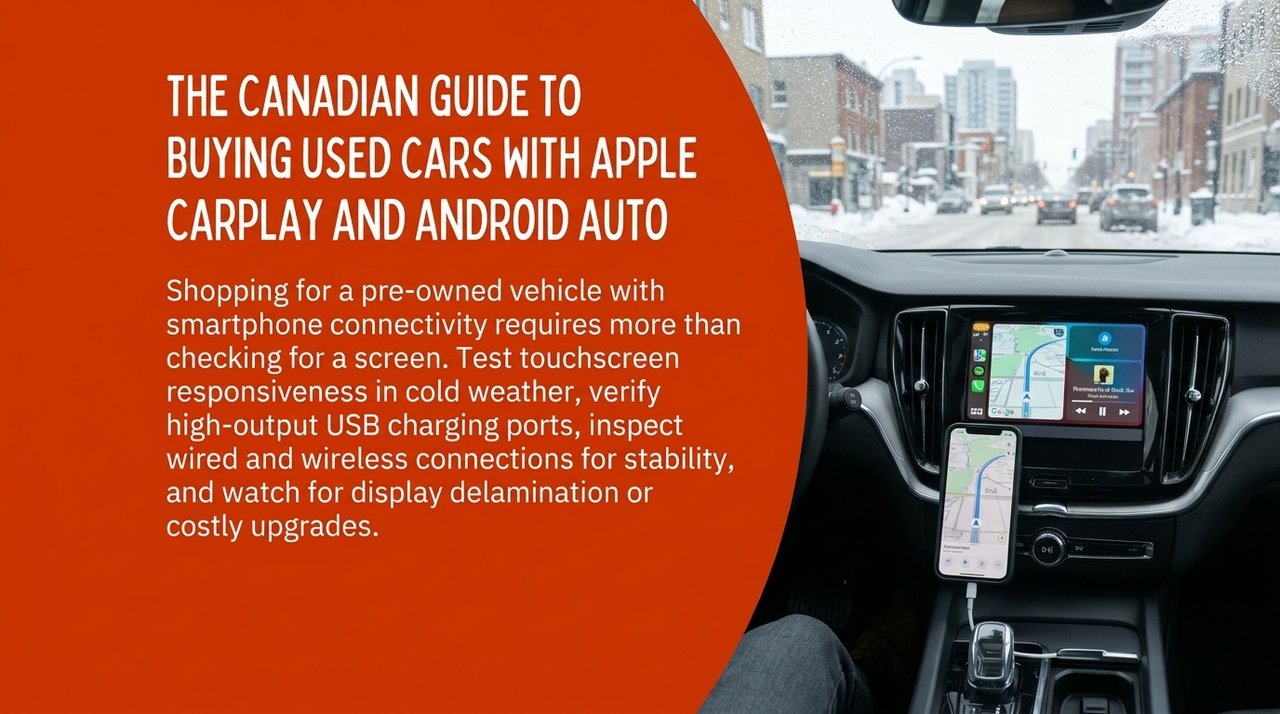
Buying a used vehicle today involves more than a test drive and a quick inspection of the engine bay and undercarriage, not to mention checking the odometer. Modern vehicles should also support smartphone connectivity, which is why drivers look for Apple CarPlay or Android Auto when examining used cars with Apple CarPlay. These systems, much like their newer high-end counterparts, also let the driver interact with a compatible smart device via the vehicle's infotainment display, helping the driver access navigation, phone calls, text messages, and music. In a country like Canada, where each province has its own distracted-driving rules and regulations, Ontario, Quebec, and British Columbia are also part of a mitigating safe-driving strategy. However, you have to proceed with caution when buying an older vehicle, as the media system can go south long before the vehicle itself fails mechanically.
The comfort and ease of use of Apple CarPlay and Android Auto depend heavily on the infotainment screen's quality. Touchscreens can become sluggish in cold weather and are less responsive than newer capacitive glass displays, which provide a smartphone-like experience with more vibrant colors and more responsive interfaces. Even if the tested vehicle seems to have the desired infotainment system, potential buyers should check whether the display's brightness, color, and overall responsiveness suit daily use.
Charging Capacity: Another aspect to look out for when inspecting a used car with Apple CarPlay and Android Auto is the USB charging port's capacity. This may not be enough to keep a smartphone's battery charged while running GPS navigation, streaming music, and other apps. The phone would still run out of charge on a long drive. Look for a vehicle with a higher-output USB 3.0 or newer USB-C port (around 1.5-2.1 amps). Test charging the phone during the test drive to make sure it's robust enough for a long drive.
Wired and wireless connections also offer different benefits, and understanding the technical differences can help pre-owned car shoppers when selecting a vehicle. Both wireless Android Auto and Apple CarPlay typically require the smartphone to connect via Bluetooth first, then switch to a local 5GHz Wi-Fi connection to transmit app data, audio, and video between the car and smartphone. GPS navigation, music, and app use can eat away at the device's battery life and generate heat, and without a proper way to charge the smartphone – like a working Qi charging pad – the device may run out of juice. Wired connections tend to be more consistent while charging but depend on the port's age, quality, and connection speed.
For all its convenience, wireless smartphone projection can strain the car's power management, especially on long drives. A dedicated Wi-Fi signal, GPS mapping, and data streaming to the car radio can drain a phone's battery and tax its processing power. Plus, when it's hot outside, a warm glove box or center console with little ventilation can cause trouble because a phone can throttle, respond slowly, or disconnect altogether. Check for these issues when considering a used cars with Apple CarPlay and/or wireless Android Auto.
Wired Apple CarPlay or Android Auto can be reliable, but can also be compromised if a vehicle has been used extensively with that system. When the physical ports take a beating, they can develop loose internal connectors, damaged port housings, or loose solder joints that make the connection more sensitive to bumps in the road. Android Auto users should test with a high-quality, functioning cable, as damaged or incompatible cables can interrupt the connection while you're on the road. Bring the right cable to a used-car inspection and test the connection by plugging your phone into the appropriate cable, then testing to see whether the radio consistently connects.
Canadian winter temperatures can also affect older infotainment systems, especially in Alberta, Saskatchewan, and other regions with extended periods of negative temperatures. Outside temperatures can sometimes hit -30 in some prairie communities overnight, resulting in slower refresh rates, ghosting on liquid crystal displays, and touchscreen lag until the vehicle's interior warms up, but that doesn't necessarily mean there's anything wrong with the hardware. If you have issues with the touchscreen after the vehicle warms up, it might be time for a new digitizer or even an entirely new display. If you're buying used, start the car cold in the morning and check the system again once it has warmed up.
You don't need a used cars with Apple CarPlay or Android Auto to get the latest in smartphone integration. You can equip many vehicles with an aftermarket Double-DIN receiver (or OEM upgrade/retrofit) from companies like Alpine, Pioneer, or Sony. Depending on the setup, the vehicle, and what kind of installation is required, these typically range from about $600 to $1,800 CAD (or comparable) and can include Apple CarPlay and Android Auto compatibility. An OEM retrofit module can also be added, which is especially handy on some European luxury vehicles - where swapping out the existing infotainment display may compromise the dashboard's look or factory functionality. This kind of retrofit adds smartphone projection to your existing display and controls while keeping most of the original dash intact.
Why does my cellphone battery drain when I plug it into the USB port of a vehicle?
Smartphones also draw power to run when connected to a weaker vehicle USB port. A weak USB 2.0 port can draw around 0.5A (or 2.5W). If the user is simultaneously running GPS nav, music, and projection from the smartphone, this is not enough power and will drain the phone battery. To stop the drain, use a high-output USB connection or a 12V vehicle charger.
Can I legally operate the touchscreen in my vehicle while driving in Canada?
Canadian distracted driving laws differ by province, but it is typically illegal for drivers to touch or manually manipulate a handheld electronic device while behind the wheel. Infotainment systems integrated into the vehicle, or properly mounted devices, may also be used with certain types of limited input permitted under provincial law. Program destination and music preferences on the infotainment system before you hit the road.
How do you get Apple CarPlay or Android Auto in an older vehicle that doesn't have a touchscreen?
Upgrading these older vehicles involves installing an aftermarket Double-DIN touchscreen receiver. Many models are available from Alpine, Pioneer, Kenwood, Sony, and other major brands. You might need to purchase a special dashboard kit for your vehicle, as well as a vehicle-specific CAN-bus interface adapter, such as an iDatalink Maestro module, to connect to your steering wheel controls, factory stereo system, or backup camera and retain those features while adding wireless smartphone capabilities.
What's behind the delamination of infotainment screens, and how much does it cost to replace?
Screen delamination happens when the adhesive that binds the outer glass to the LCD breaks down. This process could take years of UV exposure, heat, and frequent temperature changes. Symptoms of delamination are typically the glass fogging up and showing bubbles or dark spots around the edges of your screen. Because replacing an infotainment system involves a lot of labor, it often requires replacing the entire screen and touch assembly, for prices between $800 and $2,500 CAD.
Do Apple CarPlay and Android Auto consume mobile data?
Absolutely. Apple CarPlay and Android Auto connect to a smartphone's internet connection, allowing access to a wide range of online services and apps. If you use navigation apps like Google Maps, Apple Maps, or Waze, internet data may be required to provide live traffic updates, route suggestions, and location-based services. Music streaming apps will also require internet data to access and play. If you have a monthly data limit or are in rural areas of Canada without a consistent network connection, download offline maps and music in advance.
How do extreme Canadian winters affect vehicle infotainment systems?
Extremely cold temperatures may temporarily slow the response time of older LCD screens, most noticeable when starting the vehicle in -20 °C or -30 °C conditions. Drivers may experience diminished screen refresh, ghosting or smudging, and sluggish touchscreen response when the vehicle is first turned on, but these issues should improve as the vehicle warms up. A smartphone's battery life may also be decreased in cold temperatures, which may result in a device shutting down unexpectedly after being left in a parked vehicle.
For the discerning buyer seeking a trusted device for the daily commute, portable technology and convenient features have become a welcome safety net for drivers relying on smartphones for navigation, communication, and entertainment. However, identifying the right system at the time of purchase is only the first step; check displays for signs of delamination, evaluate picture quality, review sound quality, and test for weak spots and port functionality. Phone connectivity can be affected by damaged ports, sensor or antenna malfunctions, and older port systems that have been exposed to harsh weather and temperature extremes.
Used Cars with Parking Sensors vs Backup Cameras: A Canadian Buyer's Guide
New drivers who have tested using backup cameras and parking sensors in the city or wedged a truck into the underground parking lot of a downtown...
Read more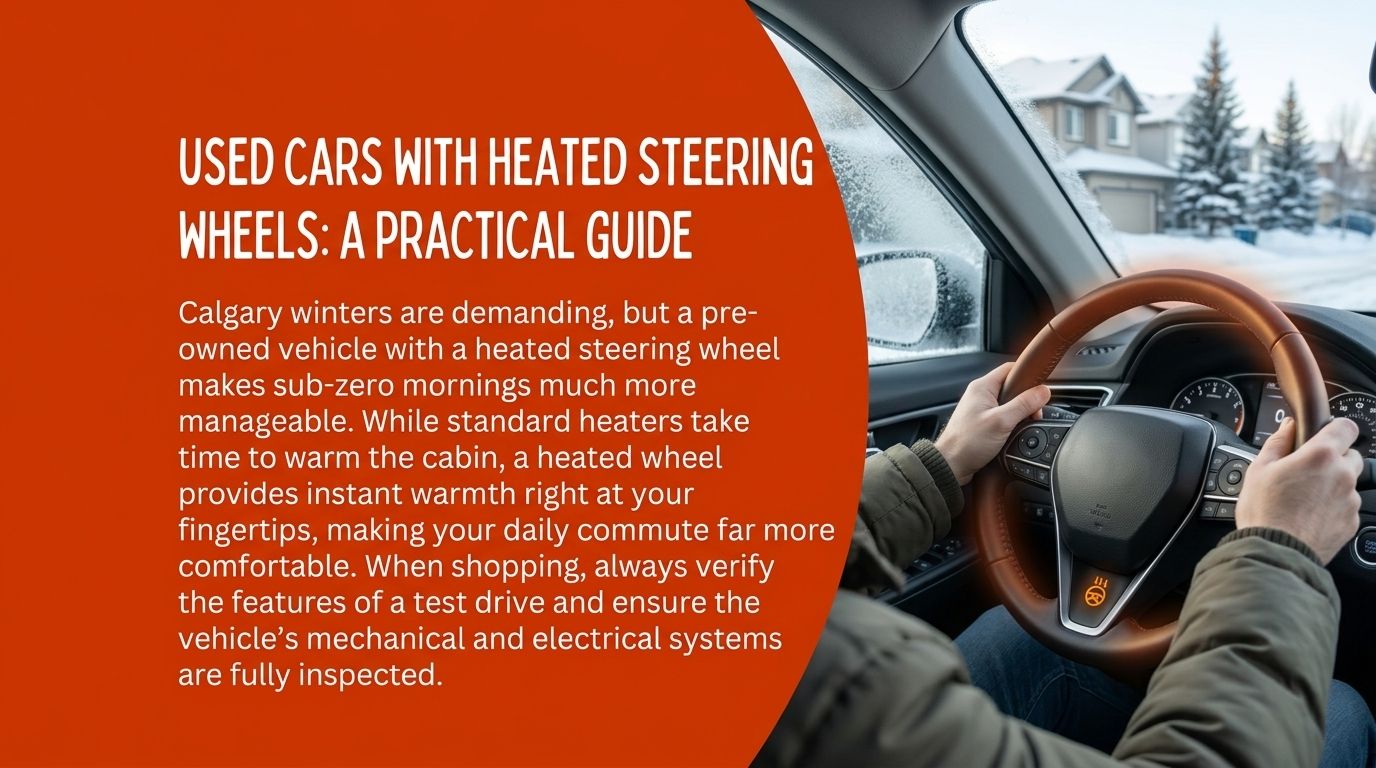
Used Cars with Heated Steering Wheel: A Practical Guide to Winter Driving Comfort
Calgary doesn't have to be tough when the temperature is cold, the roads are icy, and you are waiting for your car to warm up in the morning. By...
Read more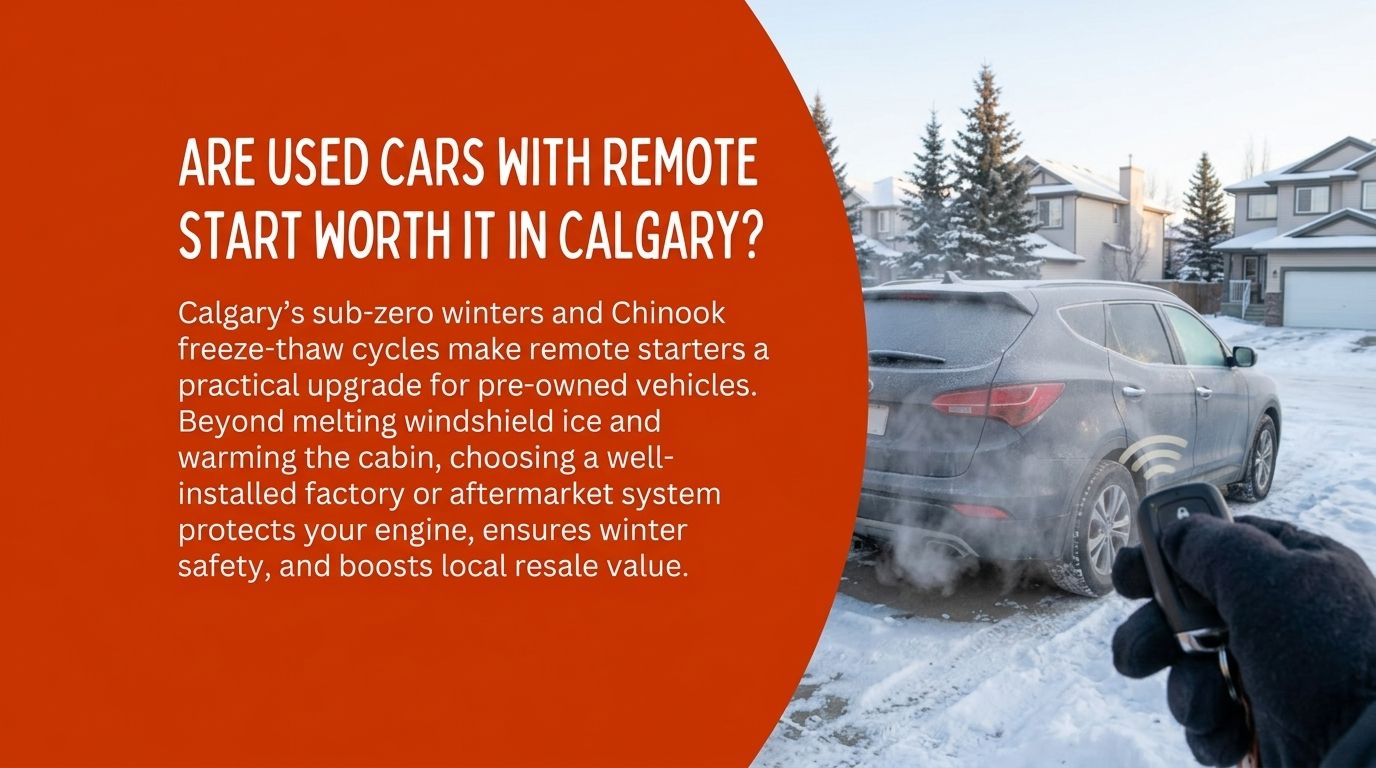
Are Used Cars with Remote Start Worth It in Calgary
If you've ever stood outside on a January morning in Calgary when temperatures drop to -30°C, scraping a rock-hard sheet of ice off your windshield...
Read morePowered and developed by
